
Name-Based Case Searches
For a Coconino County docket search, the free Arizona Judicial Branch Public Access case lookup is the usual first stop. Participating Superior, Justice, and Municipal Courts feed it public case information. A CAPTCHA guards the live form. Clear it, then use the name path when no case number is handy. Know which court issued or filed the case. Local ordinance matters and several restricted groups never show up statewide.
Give the form the most exact name you have. Add a first name. Pick the likely court where the form allows it. A blank screen does not prove a case is absent. Try other spellings before giving up. A weekly data lag, the wrong court, an excluded case type, or an older file can all produce the same empty result.
- Identify whether Superior, Justice, or Municipal Court should hold the case.
- Pass the Public Access CAPTCHA and select Case Search rather than Minute Entry Search.
- Enter the most exact party name available and narrow the court when possible.
- Open a likely match and compare its court, case type, filing date, and public party role.
- Contact that court's clerk if the result is absent, stale, or too limited.
Coconino County Public Access Gateway
Public Access lays out three functions before any search. These are Case Search, Minute Entry Search, and Case Notification. You type verification characters and hit Submit to get in. The portal states plainly that its case information is not the official court record. It also refreshes weekly. An unavailable-courts link matters here too, since a lower Coconino County docket may sit outside the index.
The Public Access search source shows the verification gate. That gate stands between you and the name and case-number paths.
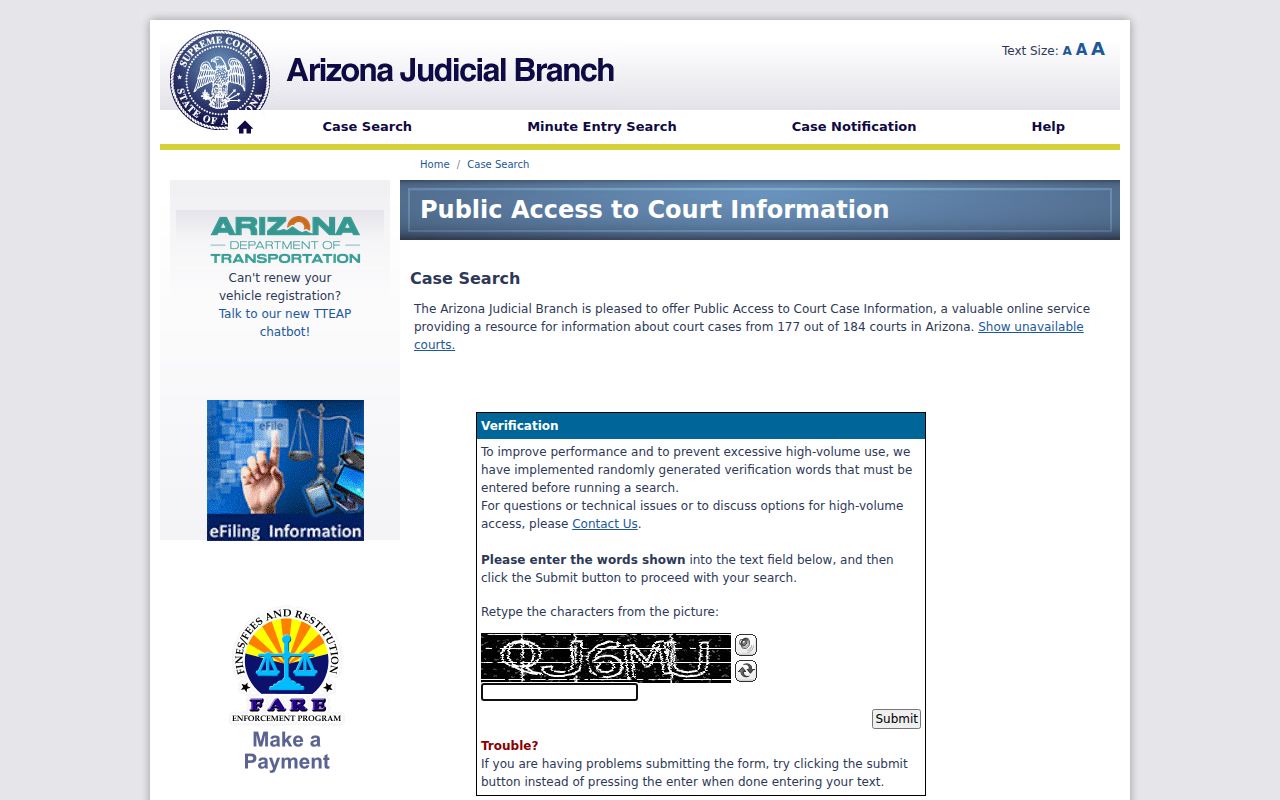
That official gateway is the reason not to guess the post-verification fields. Work from the fields the live service actually displays, and keep the court and file type in mind as you go.
| Visible control | Type | Required | Use |
|---|---|---|---|
| Verification characters | Text CAPTCHA | Yes | Retype the random image text |
| Submit | Button | Yes | Open the search choices |
| Case Search | Navigation tab | No | Find public case information |
| Minute Entry Search | Navigation tab | No | Find the limited minute entries made public |
Case Number Searches
A case number is the cleanest key for a Coconino County docket search. It sidesteps same-name mix-ups. Arizona numbers usually open with a two-letter category and the year. Common prefixes include CR for criminal and CV for civil. Others are DO for domestic relations, PB for probate, and GC for guardianship or conservatorship. Punctuation and length vary by court. Copy the number straight from the citation, notice, pleading, or prior order.
When a matter moved courts, search both. A felony can start under a Justice Court number. It may later gain a Superior Court CR number. A Justice or Municipal appeal also opens a Superior Court docket. The earlier online page never becomes the full record of the later court.
Coconino County Case Prefixes
Prefixes help narrow a Coconino County case search, but they say nothing about findings or outcomes. A CR prefix marks the criminal category. A CV prefix points to civil work. Domestic, probate, guardianship, and juvenile prefixes tag other file groups, and many of those carry stricter limits on remote access.
- Case number
- The unique court identifier copied from an official case paper.
- Case category
- The file type signaled by a prefix such as CR, CV, DO, PB, GC, JV, or JD.
- Case history
- The dated list of public filings, hearings, orders, and recorded outcomes.
- Minute entry
- The court's written record of a proceeding or ruling, only some of which are linked online.
Use a partial number only when the interface permits it. Then narrow the list by Coconino County court, filing period, or case type so unrelated Arizona results do not flood the screen.
Case Search Results Explained
A Coconino County docket search result is an index, not the whole case file. The header may show the court, number, and category. It can also list the filing date, title, assigned judicial officer, and public status. The history can list dated events plus limited minute entries. Hearing data may add the room, date, type, and a result if one was entered. From there, available eAccess records can lead to a document preview or purchase.
| Case information | Number, filing date, title, category, status, court location, and assigned judicial officer. |
|---|---|
| Party information | Public participant names, roles, and counsel; restricted people and data are omitted. |
| Charge information | Statute, description, class, and disposition for public criminal matters. |
| Event information | Dated filing or order labels, with a preview, cart control, or an online-unavailable message. |
| Hearing information | Courtroom, date, type, and result when the court has entered one. |
A filed motion is only a request. An entry labeled as an order does not replace the signed text. Read the timeline in date order, and pull the actual filing whenever its wording controls.
Coconino County eAccess Search Fields
A separate Arizona eAccess overview spells out document access for eligible civil and criminal Superior Court cases filed on or after July 1, 2010.
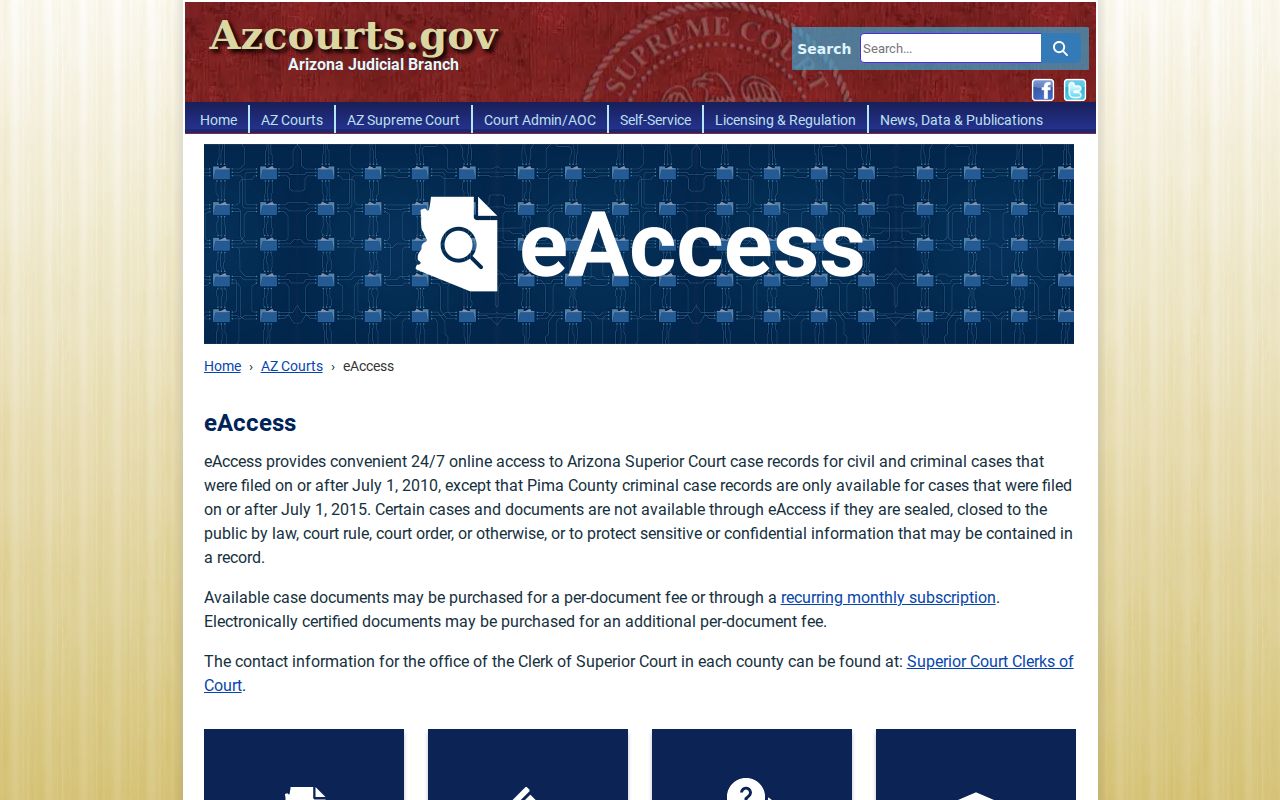
This record layer reaches past the free index. Yet it is still narrower than the complete file kept by the Coconino County Clerk of the Superior Court.
Inside eAccess, pick Coconino Superior Court for precision. Basic search takes a full or partial party name or case number. Advanced Case and Party search adds a filing-date range and case title. It also covers participant or attorney names, judicial officer, and case type. Case and Event search throws in event date and description. Boolean AND, OR, and NOT controls can tighten a broad query.
| Field | Mode | Best use |
|---|---|---|
| Select a Court | Optional filter | Choose Coconino Superior Court |
| Case Number | Full or partial text | Find one known file |
| Last or Business Name | Full or partial text | Find a person or organization |
| Case Filing Date Range | Date range | Reduce common-name results |
| Case Type | Text | Use CV or C for civil, CR for criminal |
| Event Type Description | Text | Find a specific motion or order event |
Two Ways to Search: County and State
Arizona's statewide systems and Coconino County offices answer different questions. Public Access works best as a free first check across participating courts. eAccess is different. It is a paid document path for the Superior Court cases it covers. The complete Superior Court file stays with the local clerk. Justice and Municipal Courts are separate too. They keep their own lower-court files, even when two courts share a single building.
| Channel | What it supplies | Main limit |
|---|---|---|
| Public Access | Free public case information and limited minute entries | Weekly, nonofficial, with listed exclusions |
| eAccess | Eligible Superior Court metadata and purchasable images | Paid and mainly post-July 2010 civil/criminal coverage |
| Superior Court clerk | Complete local file, inspection, copies, and certification | Request rules and fees apply |
| Justice or Municipal clerk | That court's traffic, misdemeanor, ordinance, or limited civil file | Must contact the correct local custodian |
The Public Access notices source sets out the exclusions, update cycle, and official-record warning that govern the free index.
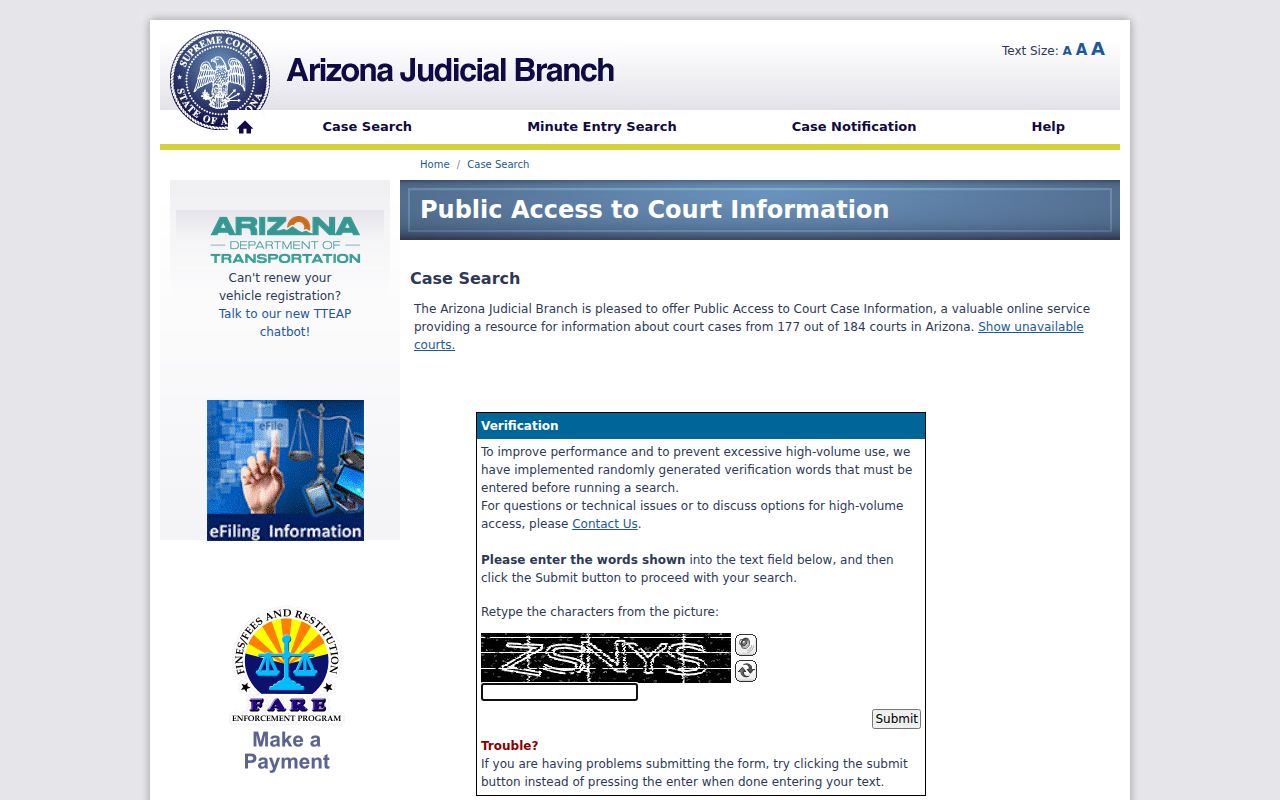
Those notices explain why a county clerk check stays part of a sound search rather than an optional extra.
Coconino County Blank Search Results
A docket search that comes back empty usually has a simple fix. Start with venue. City ordinance cases live in Municipal Court, so statewide Public Access skips them. A county or state traffic ticket belongs to the Justice Court named on the citation. Superior Court holds the felony files and the larger civil ones. Probate and several sensitive categories never reach the free portal.
Timing matters too. Public Access updates weekly. What posts on Friday reflects data through Wednesday. eAccess covers only eligible Superior civil and criminal cases filed from July 1, 2010 forward. Older or non-imaged files may still sit at the clerk's counter. The web systems may show no document. Call the clerk about Superior Court material, or ask about a mailed copy request. For a lower-court file, go to that Justice or Municipal clerk instead.
Fallback chain: Verify the court, retry with the exact case number, check the current calendar, then call or visit the court clerk that owns the file.
Coconino County Public Search Computers
Coconino County's judicial technology plan names four public-access computers for Superior Court. One more sits at Flagstaff Municipal Court. One sits at Williams Justice Court too. The plan also floats older-file backscanning, central repository upgrades, and an eAccess replacement. Treat that projected work as unfinished until the court says otherwise.
Call the right clerk before you drive over for a computer search. The court publishes no promise of daily terminal availability or an exact lobby spot. A clerk can confirm access and office hours. The same call covers file format. An older record may need staff help or a paid research request, and the clerk will say which.
Which Cases Stay Restricted
Online access in Coconino County stops at a hard border. Public Access leaves out sealed cases and orders of protection. Mental-health and probate cases are excluded too. Victim and witness information stays off the portal. Juvenile delinquency and incorrigibility matters are also left out, along with local ordinance charges. Juvenile traffic may still appear. Sometimes a public event stays visible. Its document image may stay hidden because it holds protected content.
Two rules control what the public can see. Arizona Supreme Court Rule 123 governs access to judicial records. It also sets procedures for custodian decisions. A.R.S. section 13-911 supplies the petition process for sealing eligible criminal case records. One caution: a missing online record does not prove a case was sealed.
Someone authorized to see a restricted file should contact the custodian with the case number and proof of authority. Other requesters can ask for a sufficiently specific Rule 123 review when ordinary access is denied.
Coconino County Filing Versus Search
Two state tools move paperwork into the court system: eFileAZ and AZTurboCourt. Neither is a public docket database. A Coconino County docket search through them is not possible. Filing through an attorney went mandatory for civil cases in 2019. Criminal cases followed in 2021. By April 2026, eFileAZ handled initiation and later filings for civil and family matters. Criminal, juvenile, and probate cases were limited to later filings. Mental-health cases had no e-filing option at all.
The Arizona e-filing information source lays out the statewide filing channel. It also shows which case types each platform supports.
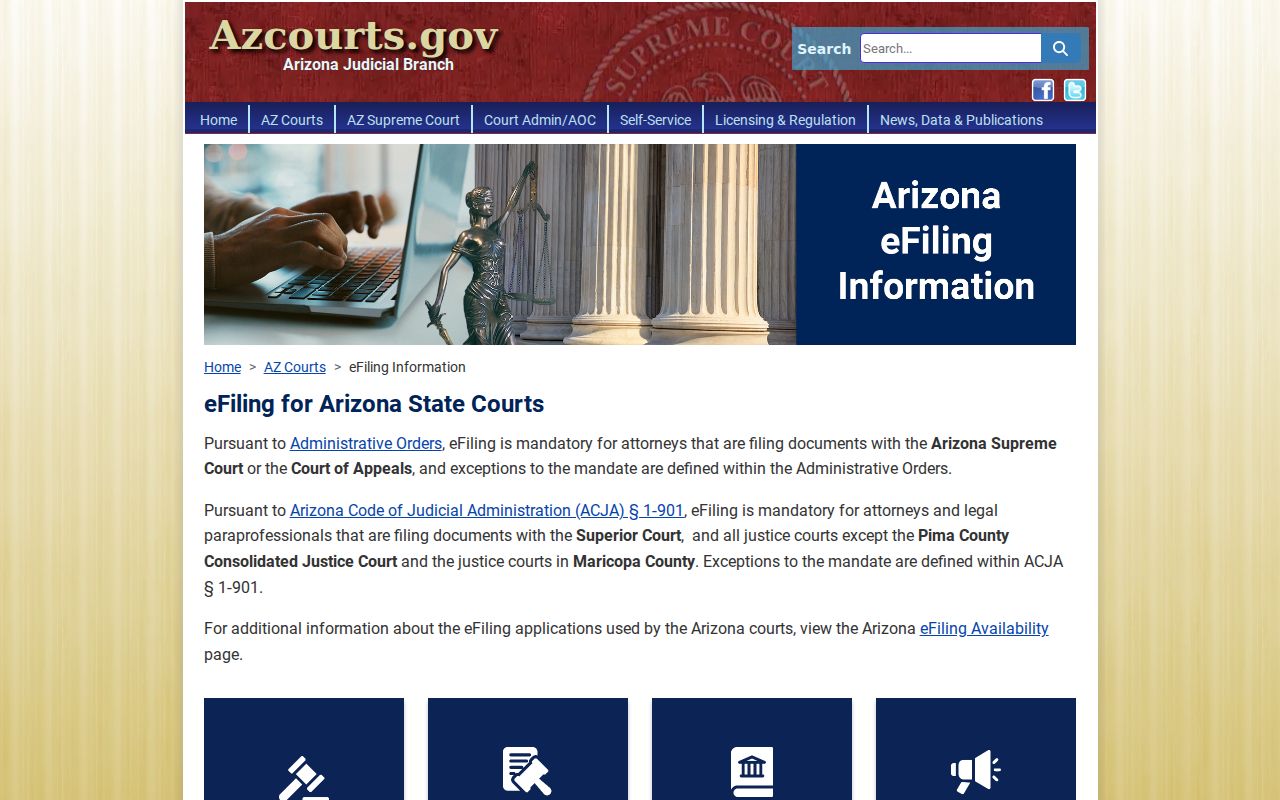
That page shows the filing side only. After a submission, a filer should return to Public Access, eAccess, or the correct clerk to read public case information. The eFileAZ application source shows the account-based application used to submit supported filings.
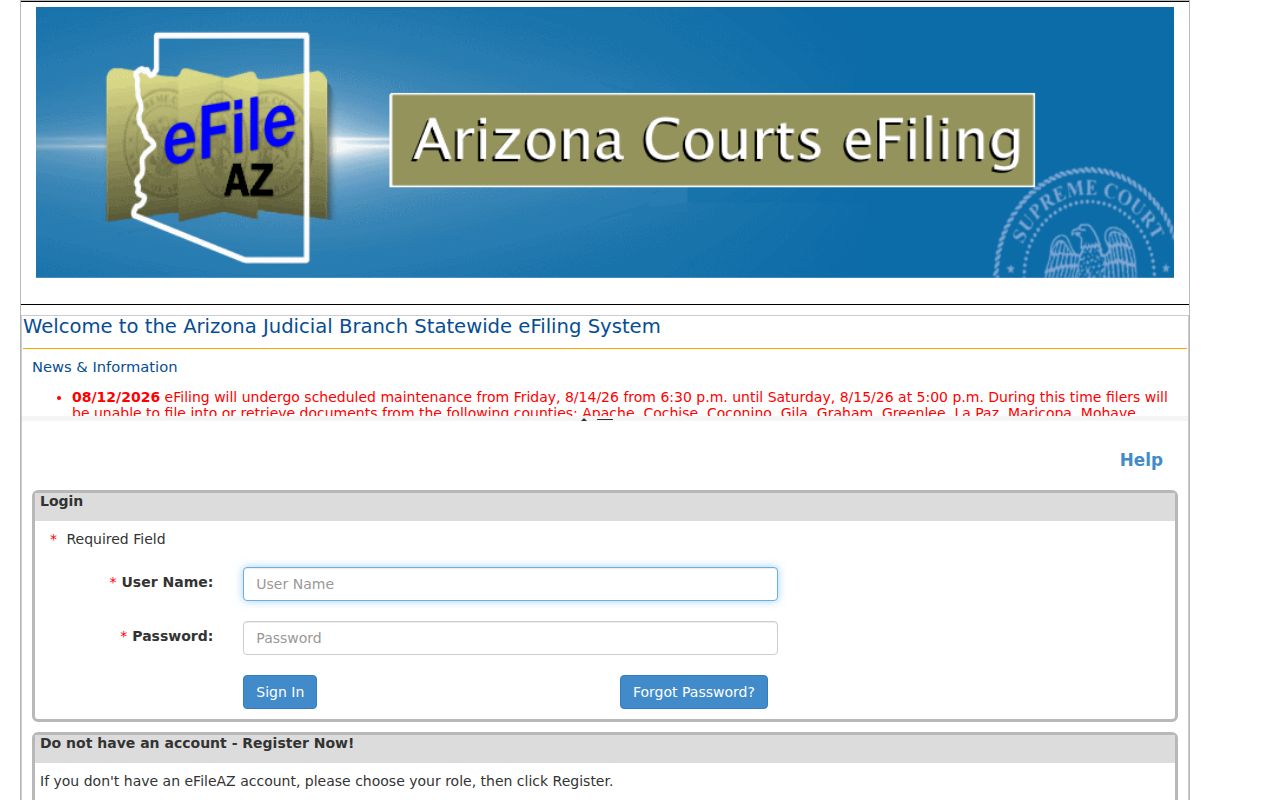
The split prevents one common mistake. Filing access grants no document access, and a submission screen says nothing about the public docket status of a case.
Coconino County Document Search Path
Suppose the docket points to an order or pleading you need. Move from the free result to the document layer. The eAccess application can show a preview icon, Add to Cart, or “Document Not Available Online” beside an eligible event.
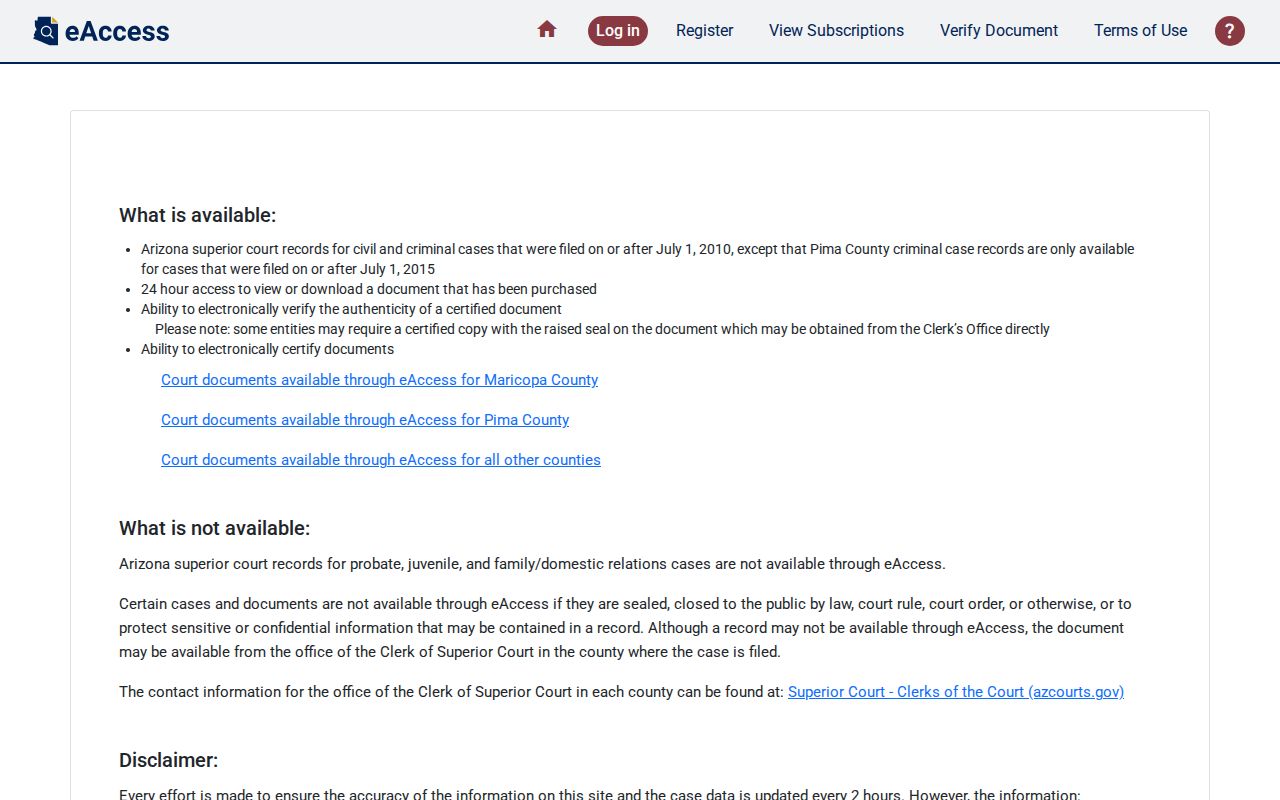
The interface runs from search result to case detail and then to a document cart. An event listing never promises an image, though.
Filed images that are available cost $10 per document. An electronic certification is a separate $39 option. Download a purchased file within 24 hours or buy it again. See no document control on an entry? Contact the Coconino County Clerk of the Superior Court for the full file, or the Justice or Municipal clerk when that lower court owns the case. Want a deeper look at the difference between an index entry and the filed record? The Coconino County court case records page covers local and electronic copy routes.
Coconino County Live Docket Changes
A weekly index cannot promise today's hearing status. Start with the assigned division. A Coconino County docket search shows it for Superior Court, and then you can compare the newest event against the Coconino Superior Court calendar. The county posts weekly PDFs for its divisions and Juvenile Court. Those calendars are not official and may change, as the county itself warns.
For a hearing coming up soon, use the newest filed notice or minute entry. Recheck the weekly calendar. Call the assigned division or clerk if the sources clash. A reset usually leaves the old event in the history and adds a later one. The old row explains what changed. It does not prove the old date still stands. The full Coconino County court schedule explains those setting fields and confirmation steps.